Your web space has its own section in the Customer Center. You can handle the most common tasks right there. You only need the hosting panel for special requirements, and you can get there with one click, without a password[geschwärzt] im Kundencenter](/marketing/assets/img/kundencenter-webspace.jpg)
The overview
At a glance: how much storage is in use, how much traffic has been generated in the current month, and whether the last backup was successful. Below that, tiles lead to domains, mailboxes, databases and FTP accounts.
Domains and SSL
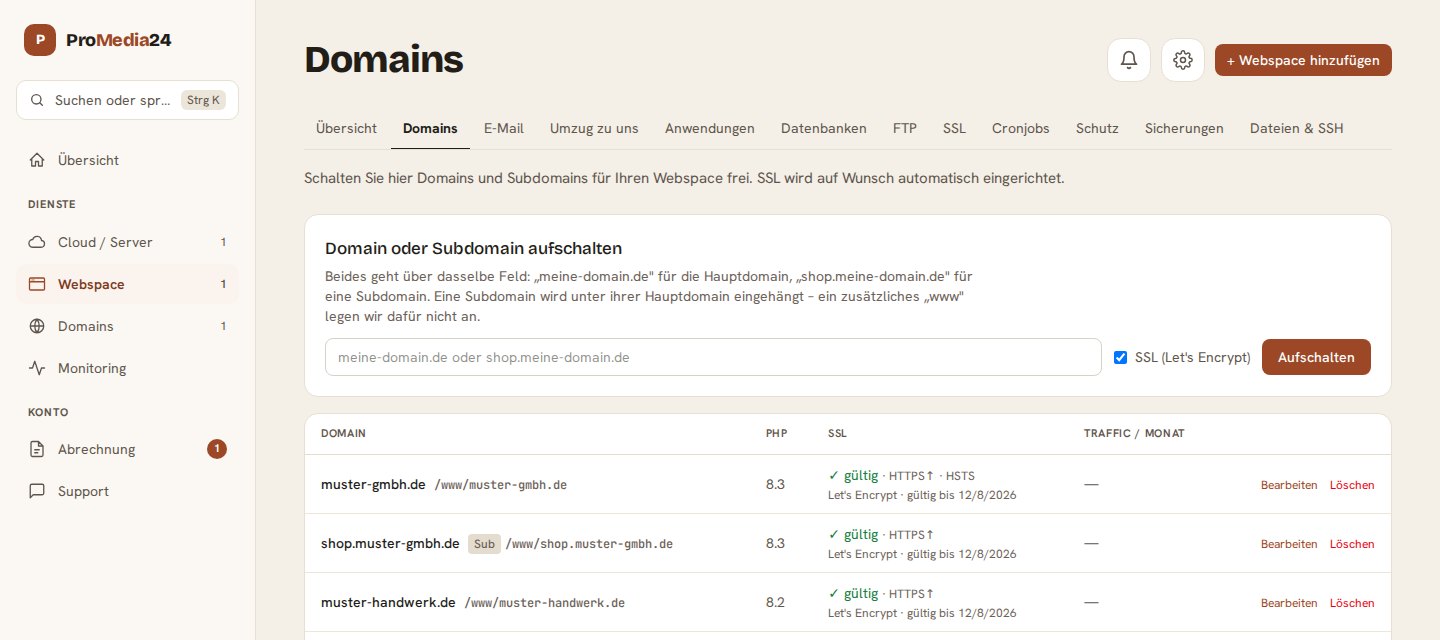
You connect a domain or subdomain using a single field. The SSL certificate from Let's Encrypt is set up and renewed automatically; in the list you can see whether it is valid. You choose the PHP version for each domain.
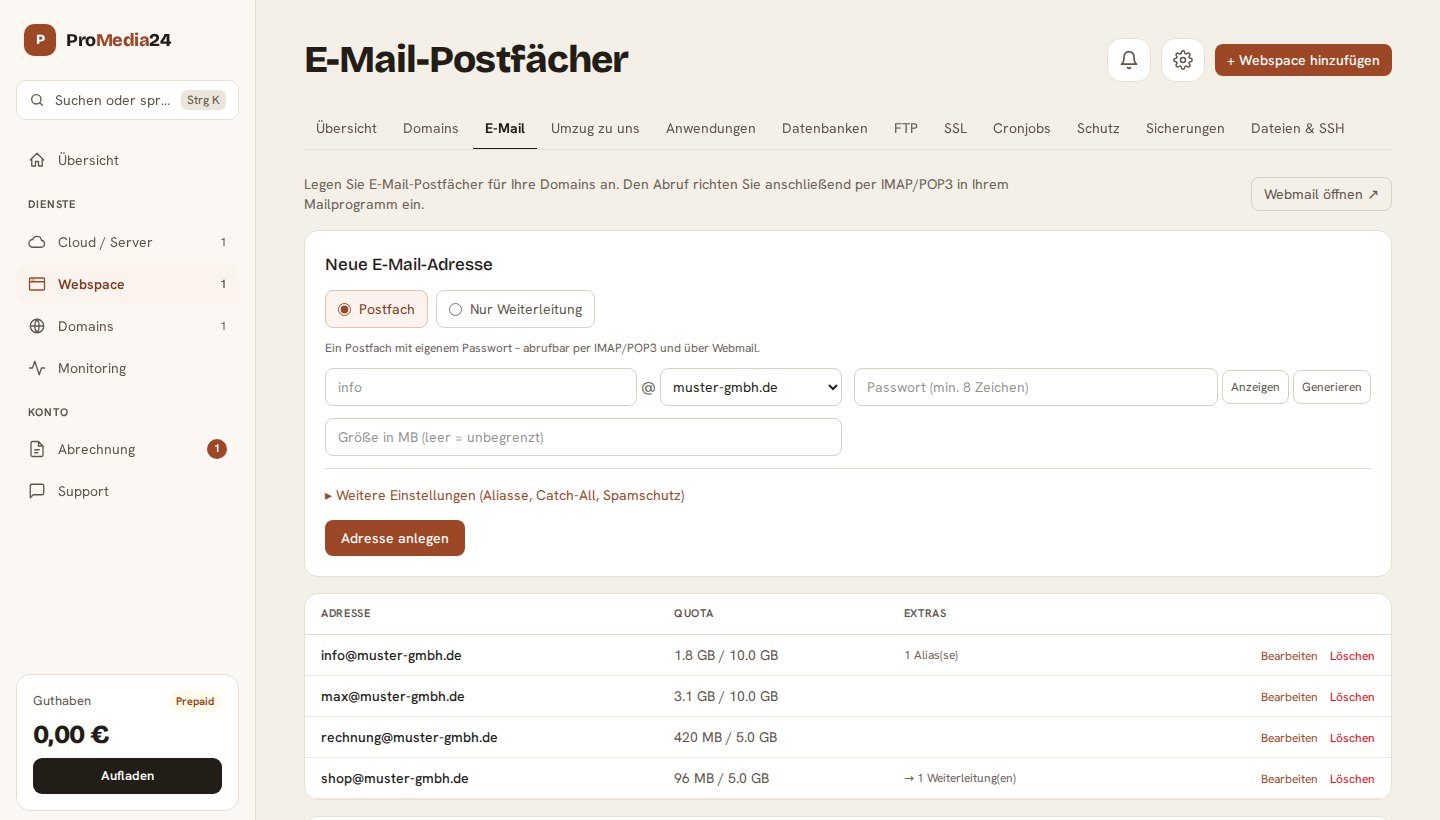
Mailbox or simple forwarding, aliases, catch-all and spam protection: all in one form. The form suggests a secure password at the push of a button. Below you will find the connection details for Outlook, Thunderbird, Apple Mail or your phone, and you can open webmail directly from here.
Applications with one click
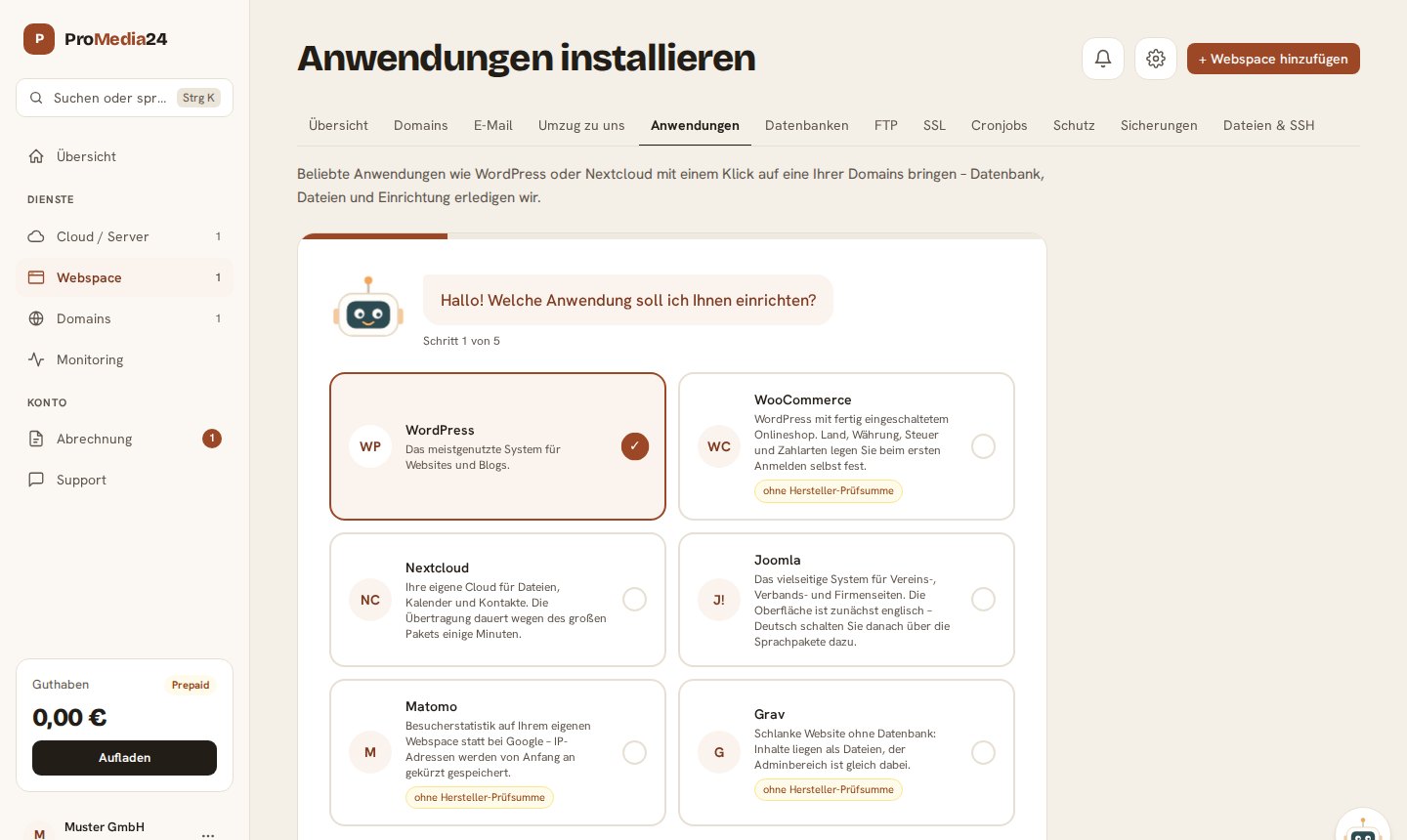
WordPress, WooCommerce, Nextcloud, Joomla and other applications are set up by a wizard on one of your domains, including database, files and configuration.
Backups
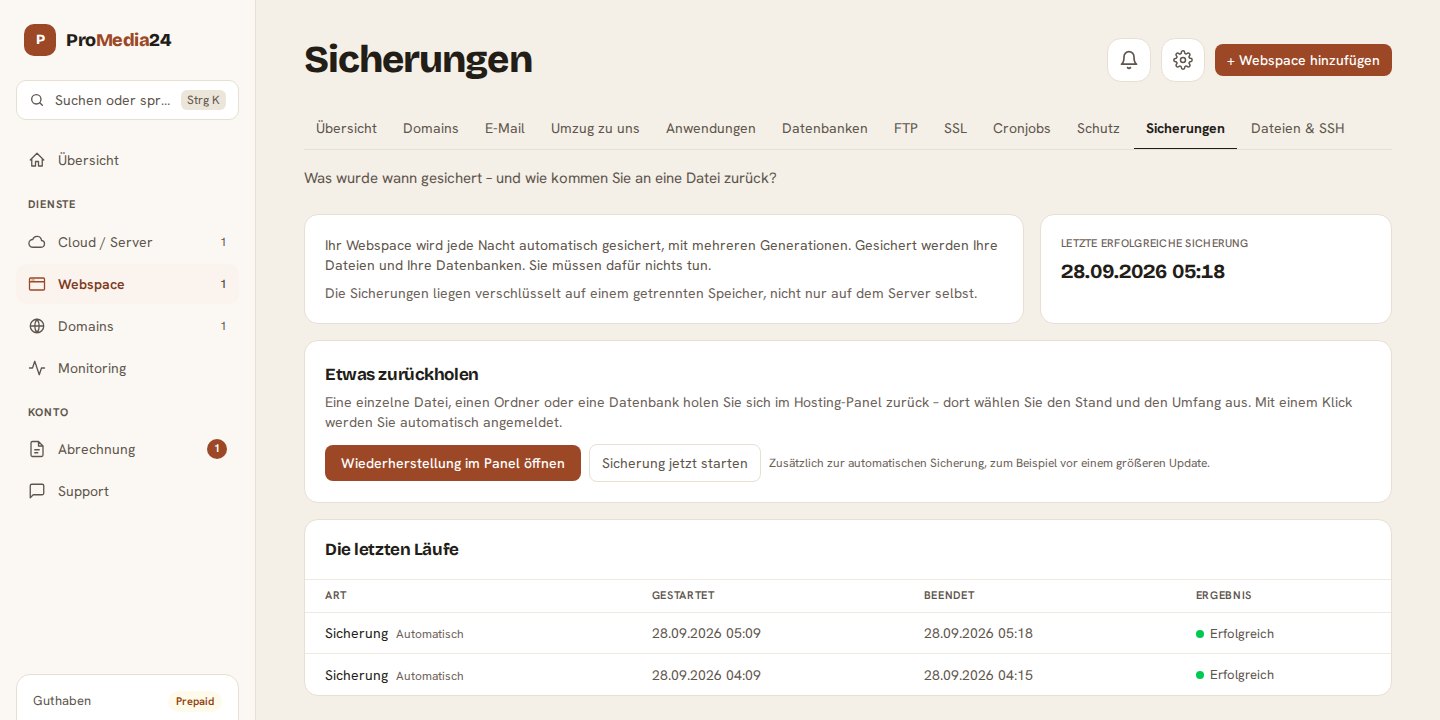
Your web space is backed up automatically every night, with several generations, on the server and additionally in encrypted form on separate storage. In the Customer Center you can see every run with its result. You can restore a single file, a folder or a database in the panel; before a major update, you can start an additional backup yourself.
And the rest
Databases with one-click login to phpMyAdmin, FTP and SFTP accounts, cron jobs, directory protection and, if you have locked yourself out after entering a wrong password, lifting the block for your own address under Dateien & SSH.
Still with another provider? The migration assistant brings your website, database and mailboxes over to us. You can find all plans under Web hosting.