The Customer Center has a new look, and above all a new structure. The first line now answers the question you have when you open it: Is anything waiting for me?
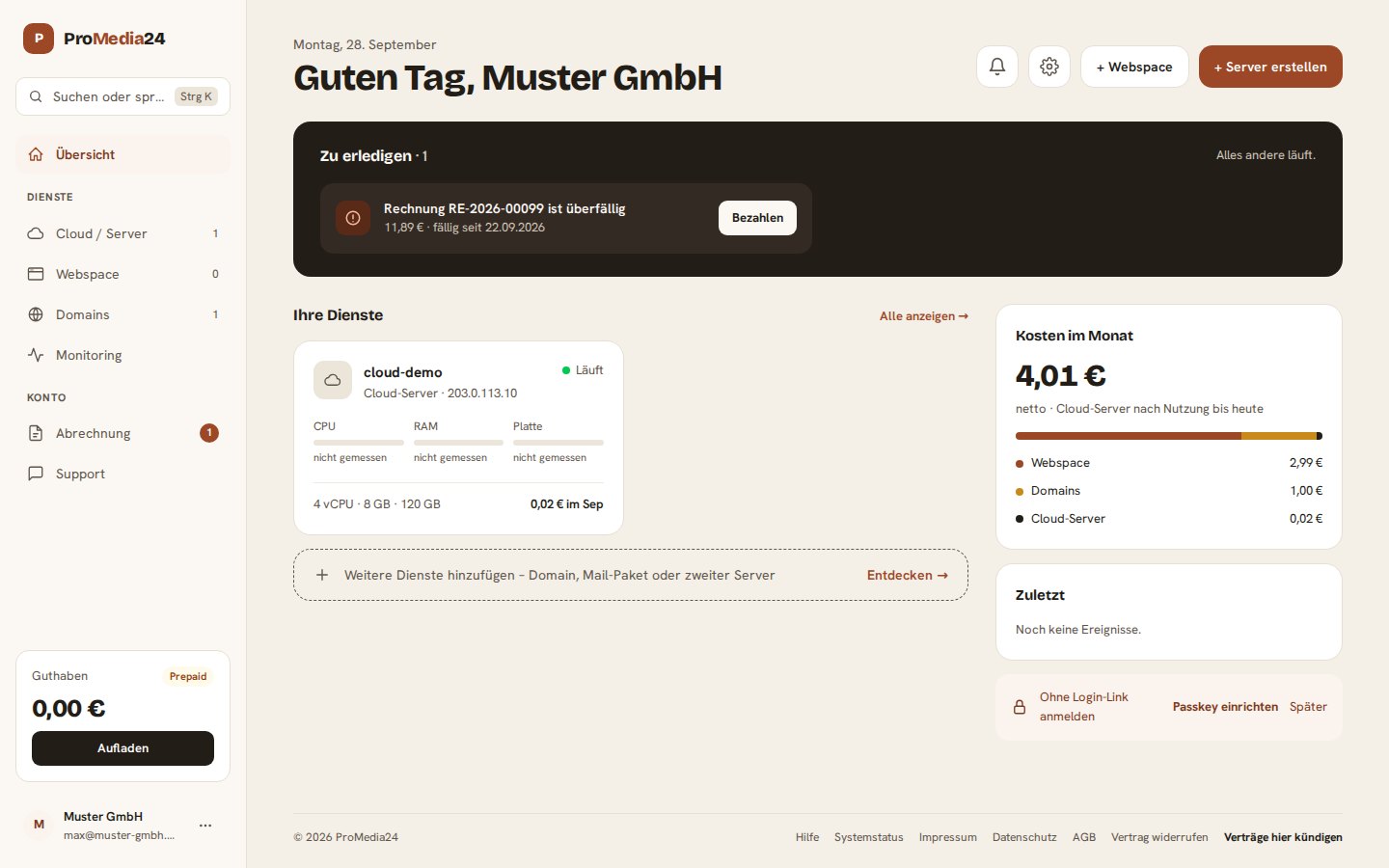
The overview
- "To do" is right at the top. Open or overdue invoices, replies from our support team, a server with an error: a button takes you straight there. If there is nothing to do, that is exactly what it says.
- Your services as cards, each showing its status. For cloud servers, you can see processor, memory and disk at a glance.
- Monthly costs, broken down by web hosting, domains and cloud servers. For cloud servers, what counts is what has actually been incurred to date.
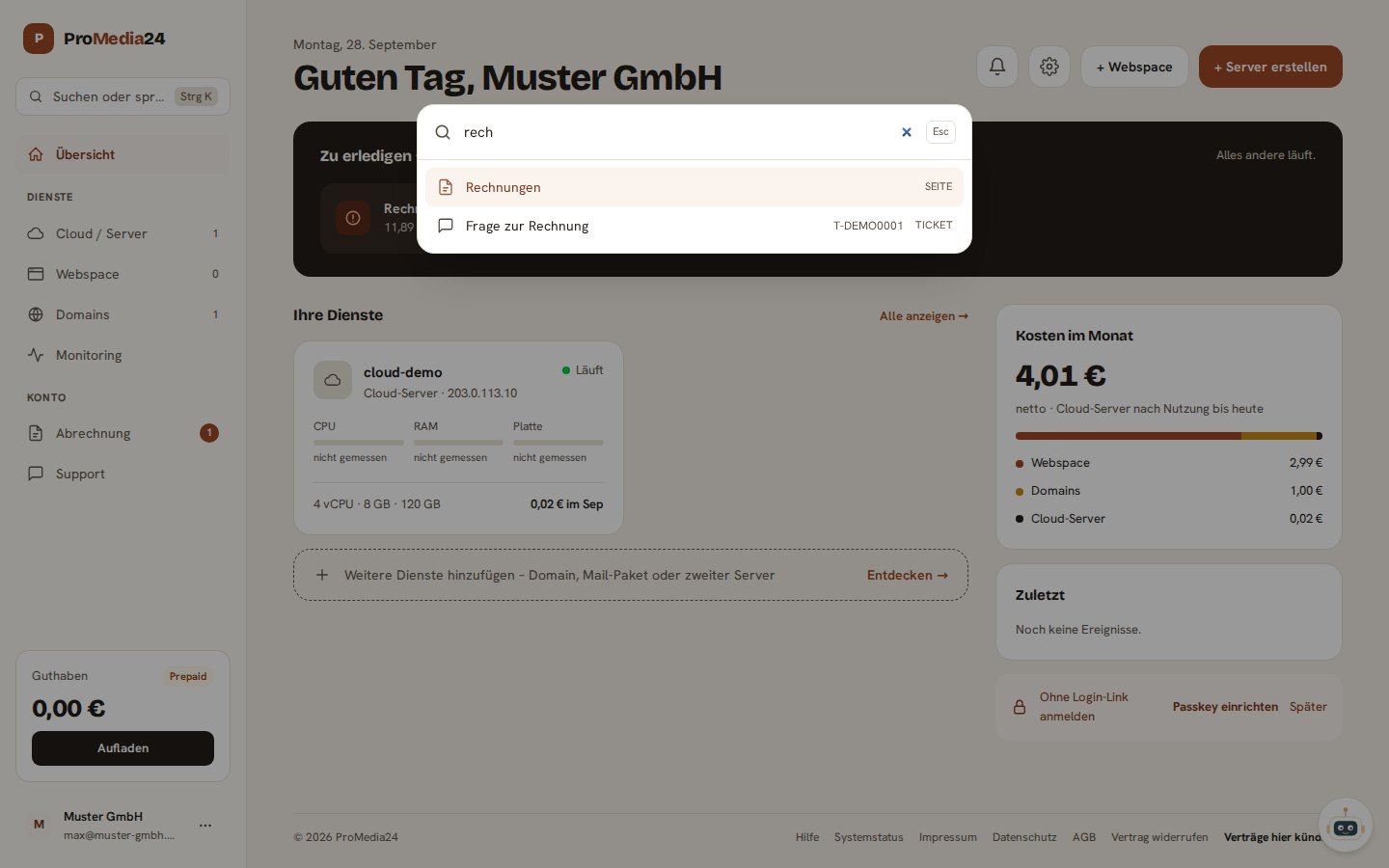
Search instead of clicking
Press Ctrl + K (⌘ + K on a Mac) to open the search. Type a few letters, such as an invoice number, domain, server name or the subject of a ticket, and jump straight to it.
Billing in one place
Invoices, quotes, credit, account statement, payment methods, contracts and documents are now tabs under Billing. At the top you can see what is outstanding, how much credit you have and when your next invoice is due.
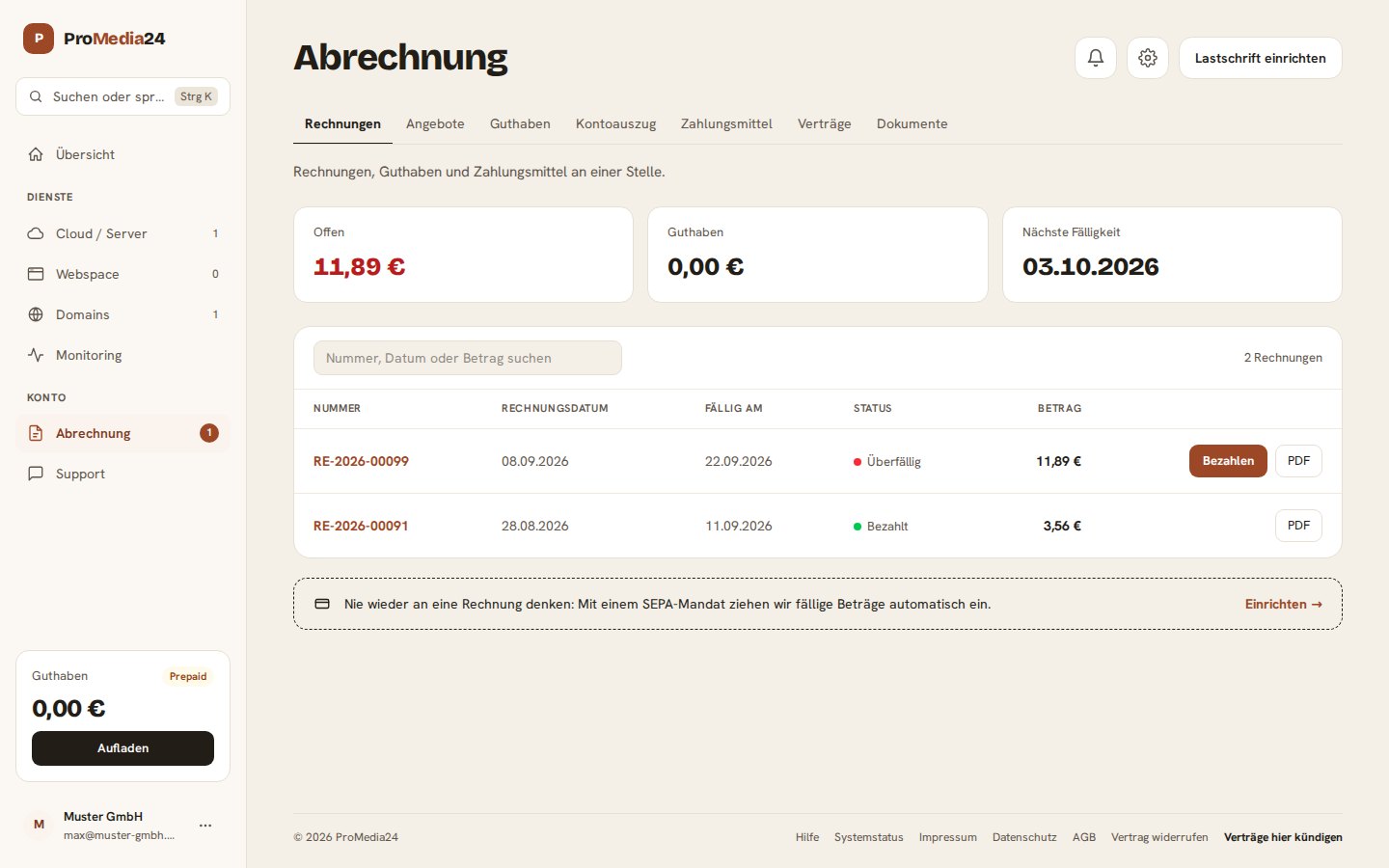
Never want to think about an invoice again? With a SEPA direct debit mandate, we collect amounts due automatically. You can set it up under Billing → Payment methods.
On your smartphone too
On your phone, you will find the most important areas in a bar at the bottom of the screen, and everything else under "More".
Questions or suggestions about the new Customer Center? Write to us. We usually reply the same day.